APRS fun! iGate , Rapsberry Pi, RTLSDR and APRSC Servers
So…. after our Weather Balloon Presentation at the Wellington Radio Club, I decided I was going to check out my APRS Beacon setup that I have in my vehicle a Mini-Trak connected directly into my vehicles battery with a relay that will power off the unit after the engine turns off give or take about 5-10 seconds after. This allows me to track my vehicle and play with the data afterward. Well, it was time to dust off the device as I had not used it in a while. Last time I really used it was when I was on vacation and went to Puerto Rico and drove to the largest Radio Telescope there is.
This weekend I decided to check out how I can use my raspberry pi and my Custom Made RTLSDR as an iGate. I went online and found some information on Github as well as other sources. Some information worked some did not, especially the location beaconing, I ended up using UTM coordinates (Zone=17r easting=xxxxxx northing=xxxxxx). After getting this iGate finished and coded I had a Working iGate that captured all the radio transmissions on 144.390Mhz. After I got this going I left the project working on my office network rack, it consumes little to no bandwidth and power so why not leave it operational?!.
On Sunday I wondered what about the server this thing connects to? (ig) Well, I went and read a bit more for about 10 minutes and found the open source code for APRSC binaries. I went and created my own APRSC Server then went to take a nap and get ready for the hurricanes that are coming our way (Hurricane Irma). After this I went and sat in my office and did a bit more coding and linked up the server to their network and monitored it for a bit, I found that they are using bootstrap so I did some custom code to make it look better for my taste.
And thus concludes my APRS Weekend. If you are interested in seeing the iGate search for KM4OOD-10, for the Server you can navigate to my IO Webpage (Malave.io) and go to the APRSC.malave.io site this will show you the server and its glory. Now I will leave this running for about a month but because I am using an external server it will charge me 10$. I will make an image if I ever find a cheaper way to host this server, in the mean time it’s in the pool of servers. Enjoy!
hamadmin
QSTCSDR – Creating your own Tranciever with a Raspberry Pi 2 or 3 and a RTL-SDR Dongle
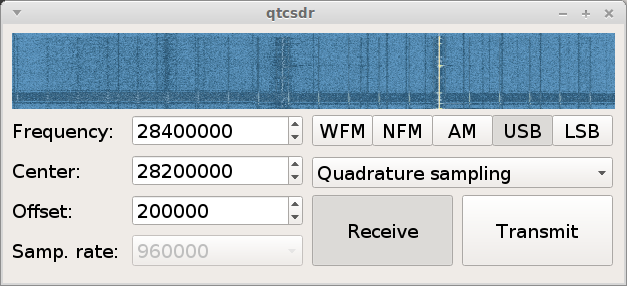
After updating the post were I was using the RPI and a RTL-SDR dongle to create a Server for those that wanted to listen to the WRC Repeater, I stumbled upon the blog of the creator of OPENWEBRX and found a nifty article and library that allows you to use an RTL-SDR and a RPI as a transceiver, here is the github repo.
Lets get started, you will need an RPI 2 or 3 and an RTL-SDR Dongle after imaging your SD card with a copy of Debian Jessie set the RPI to overclock “medium” of course you must have some kind of cooling for the chips, amazon has RPI Heat sinks for sale that you can use. After this go right ahead and from within the home run the following code.
Once it has been updated we can move onto adding the software needed. Run the following commands one by one , adding a “Y” for yes every time the Pi asks for more disk space.
git clone https://github.com/ha7ilm/qtcsdr

cd qtcsdr

./rpi-install.sh

./rpi-test.sh
If you run into trouble and need to do some troubleshooting go ahead and reference the well written Github repo
Credit of course goes to ha7ilm for his contributions towards the SDR community.
………… I almost forgot after installing it and you need to run it once more go ahead and cd into the qtcsdr directory then run the shell script ./rpi-test.sh ENJOY!
Also this is done via SSH, if you are in windows you can use PUTTY and if you are in Mac OSX or Linux simply run the Terminal.
hamadmin
Orlando 2016 – HAM FEST
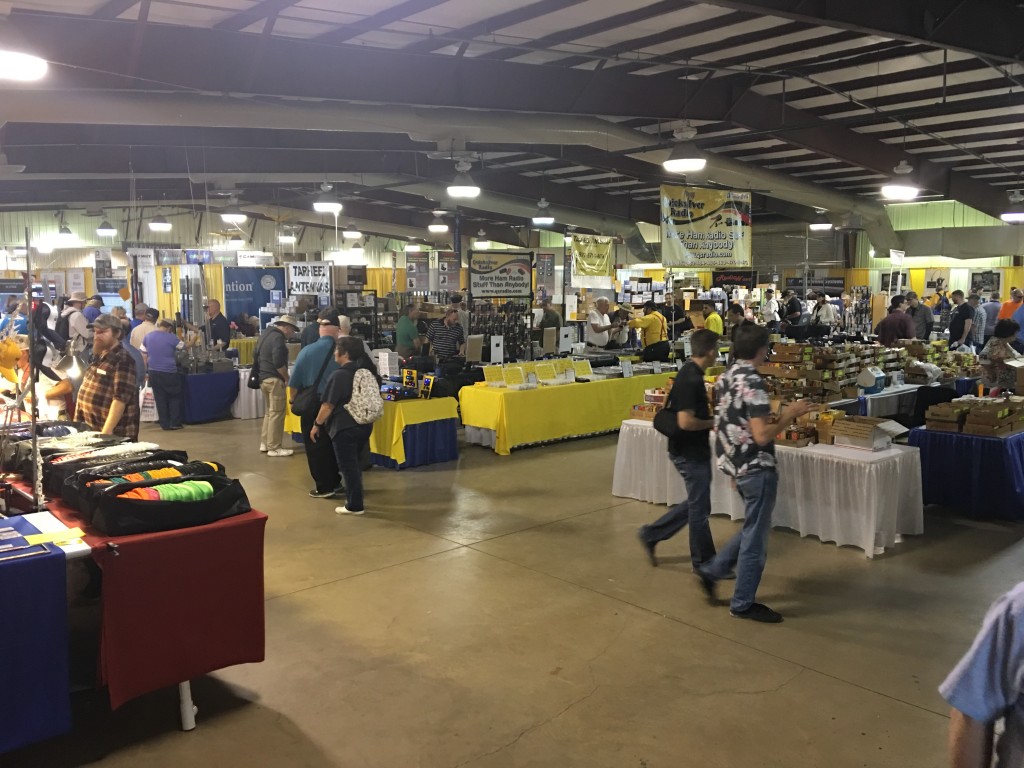
This was my first time at a Ham Fest, let me tell you it was a great day, although my legs hurt from walking all day it was well worthing it. I will summarize my day enjoying this hobby.
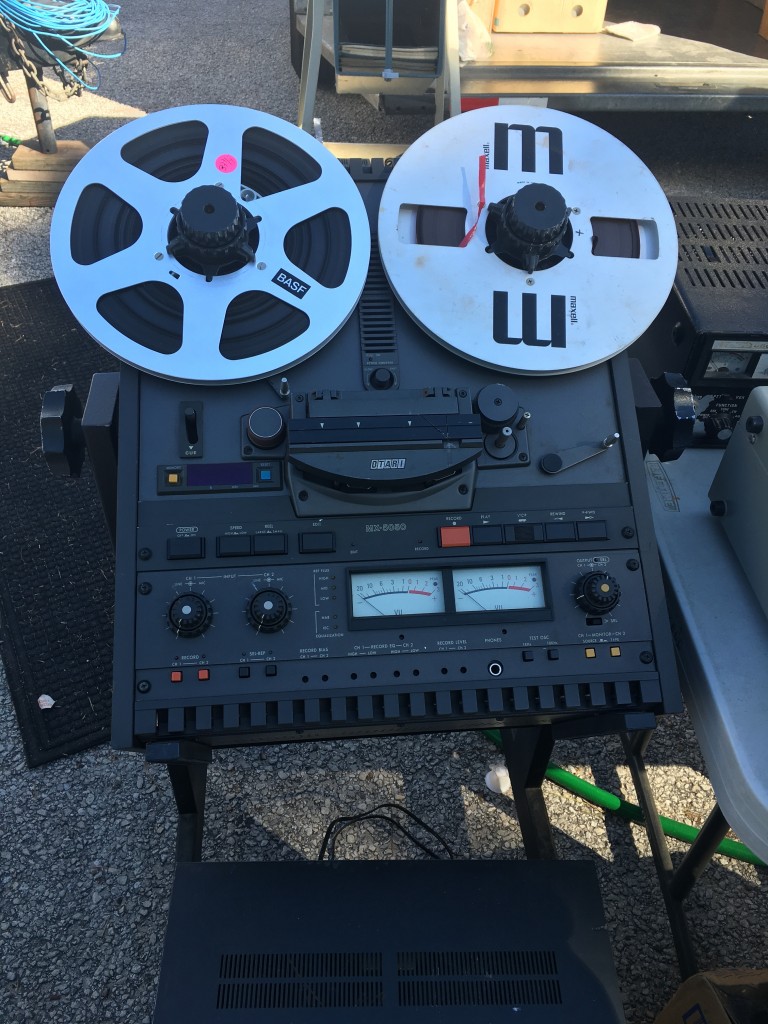
I first started with going into the Commercial area where there was some trinkets here and there , got a SATA HDD Adapter as well as an audio card for spares.
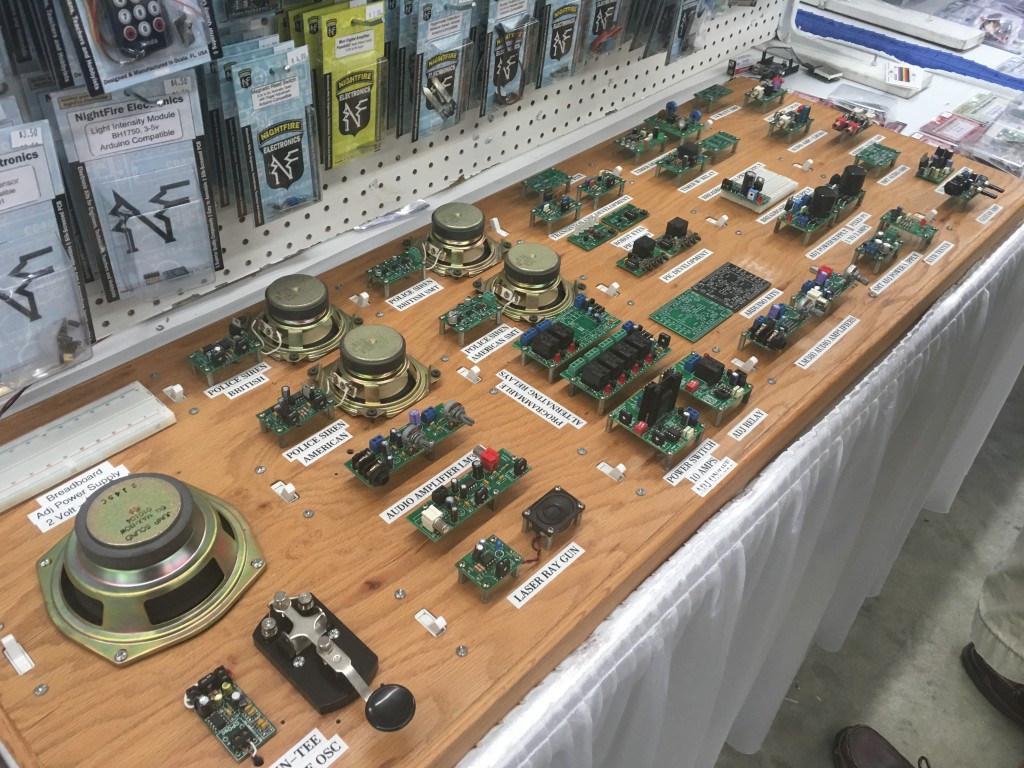
I saw some small Arduino and electronics parts booth but I did not need anything from them.
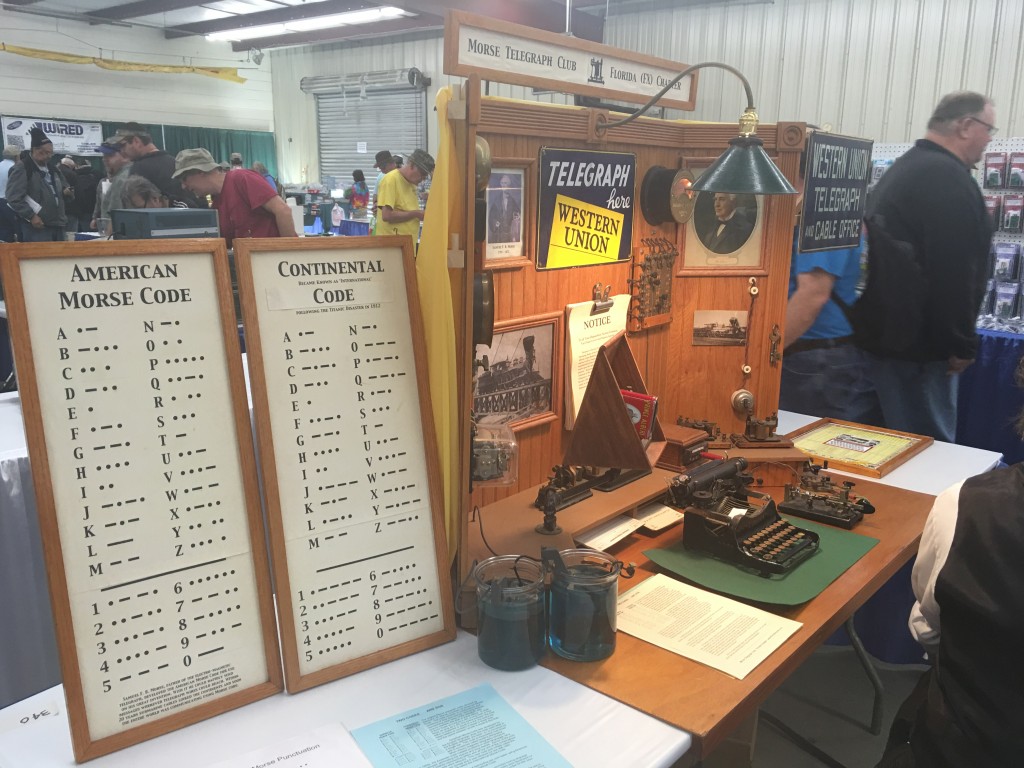
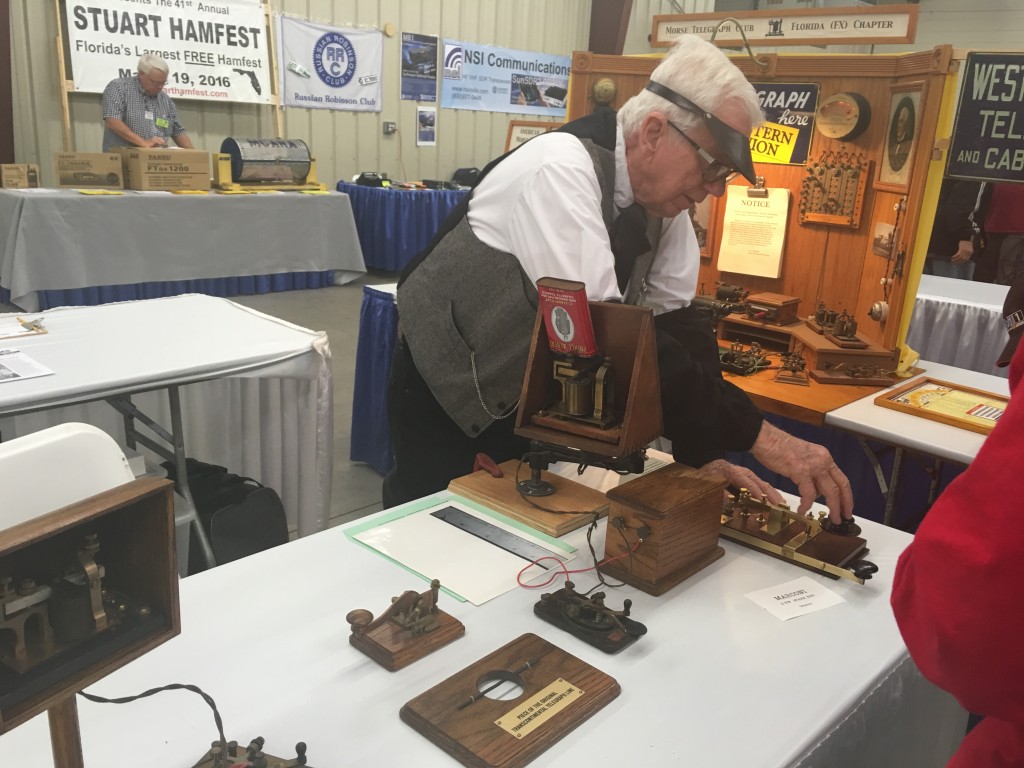
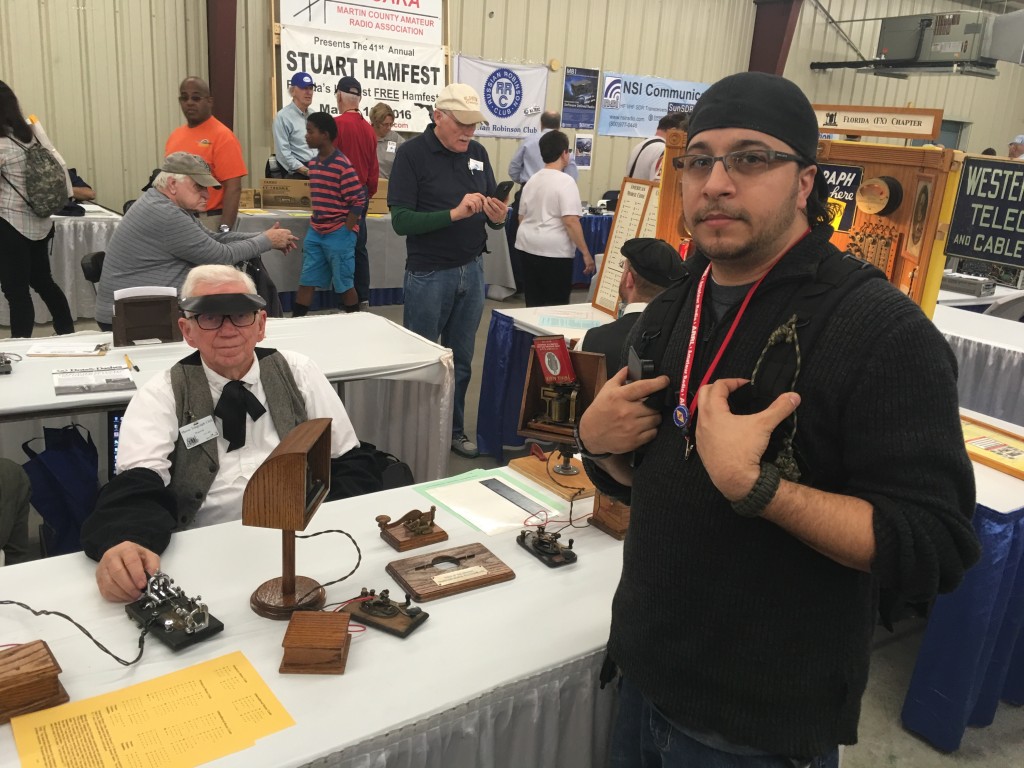
I was going from booth to booth until I found myself in front of a Telegraph booth.
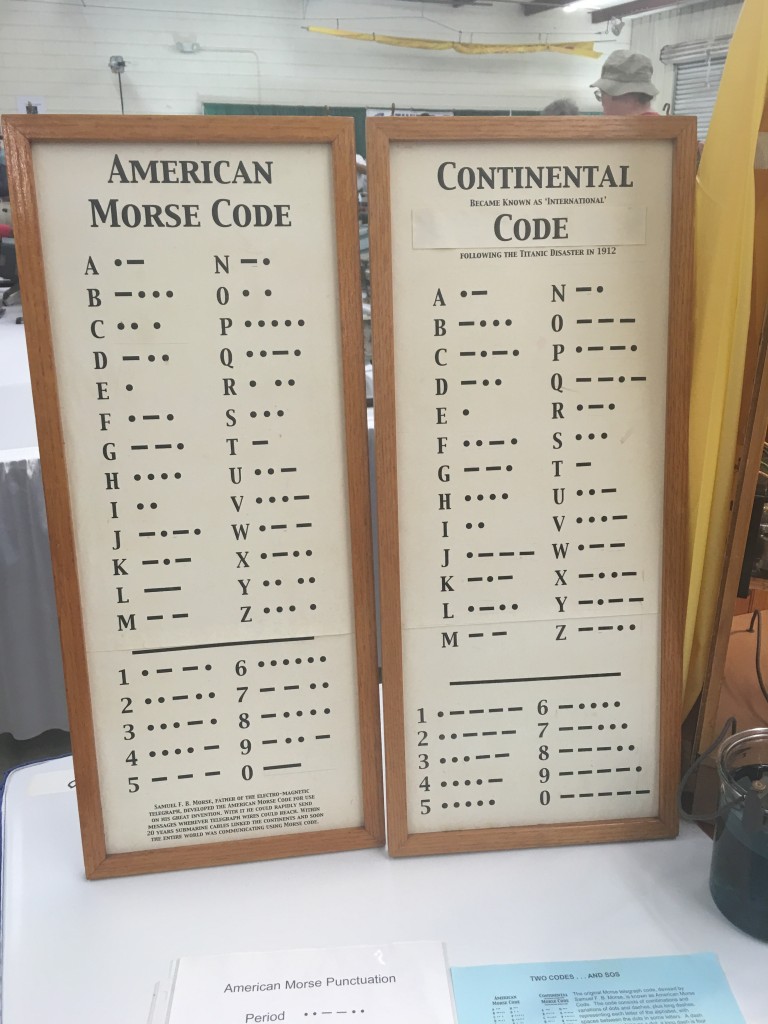
The telegraph machine caught my eye although I have seen these before online, the guys at the booth where very knowledgeable, spoke with them for about 20 minutes. The Morse Code is not necessary nowadays to become a Ham, I would love to learn it.
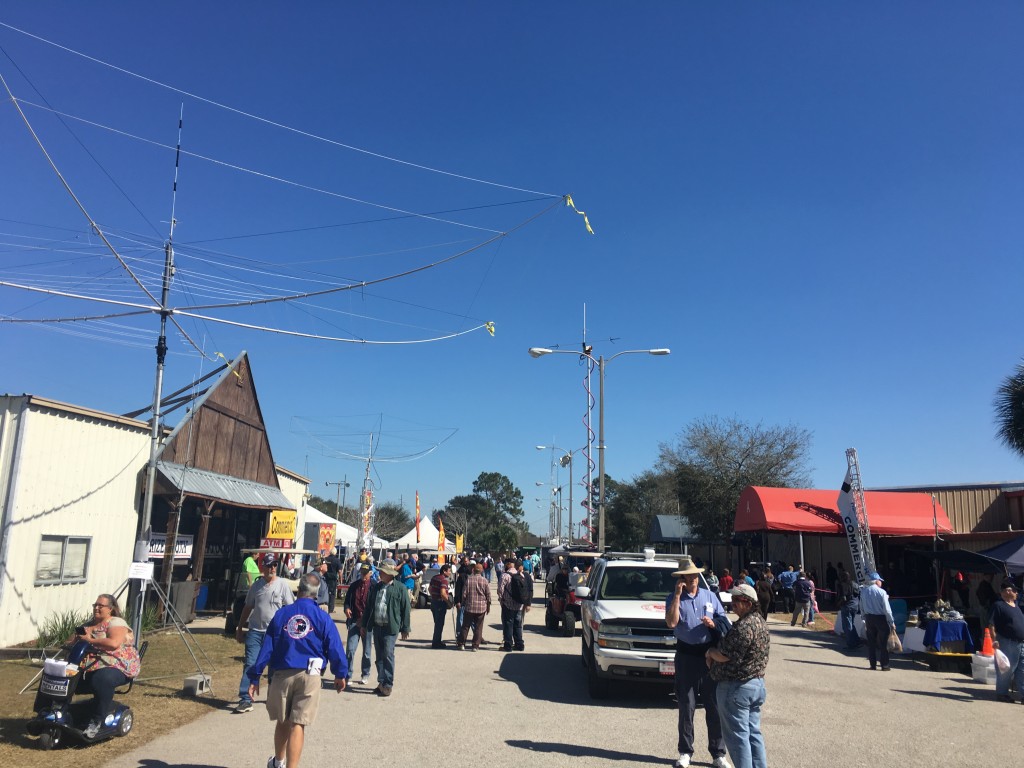
At the Ham Fest they had many people with new items to used items as well as educational booths. SDR was the Popular Booth with Demos.
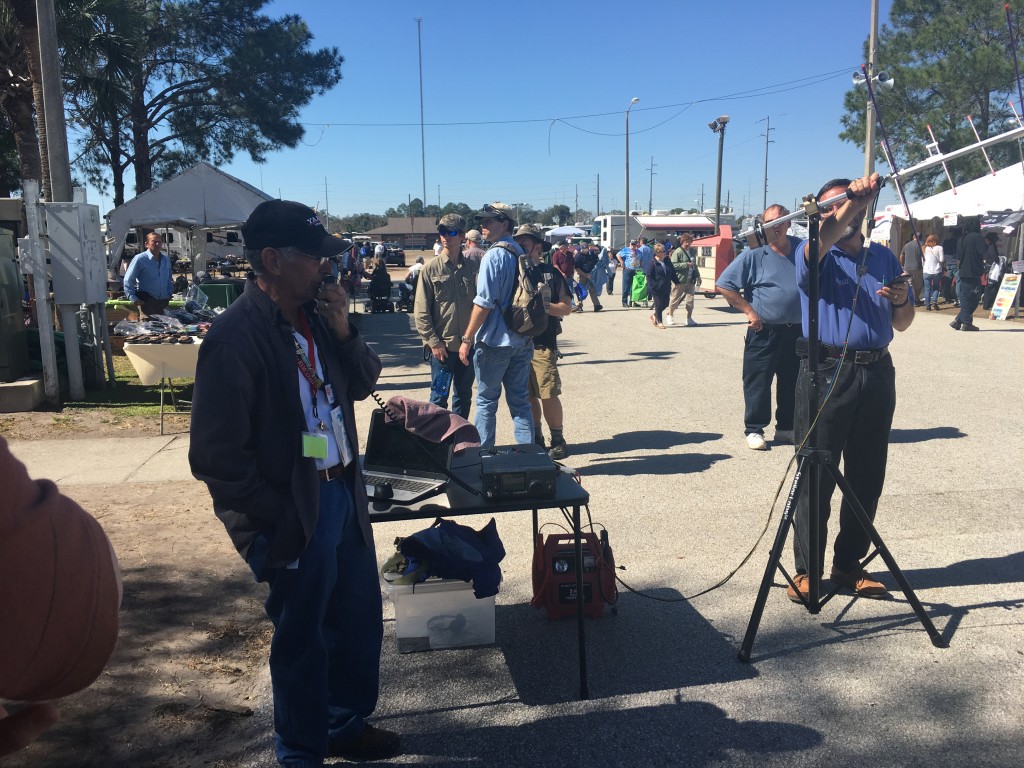
There was also the Satellite from HAMSAT doing a Demo with both an Arrow Antenna and a n SDR and its SAT Antennae.
Here you can see them setting up the Software as well as using a simple 20$ Nooelec SDR Dongle to pick up the incoming signals from the Satellites Orbiting the Earth.
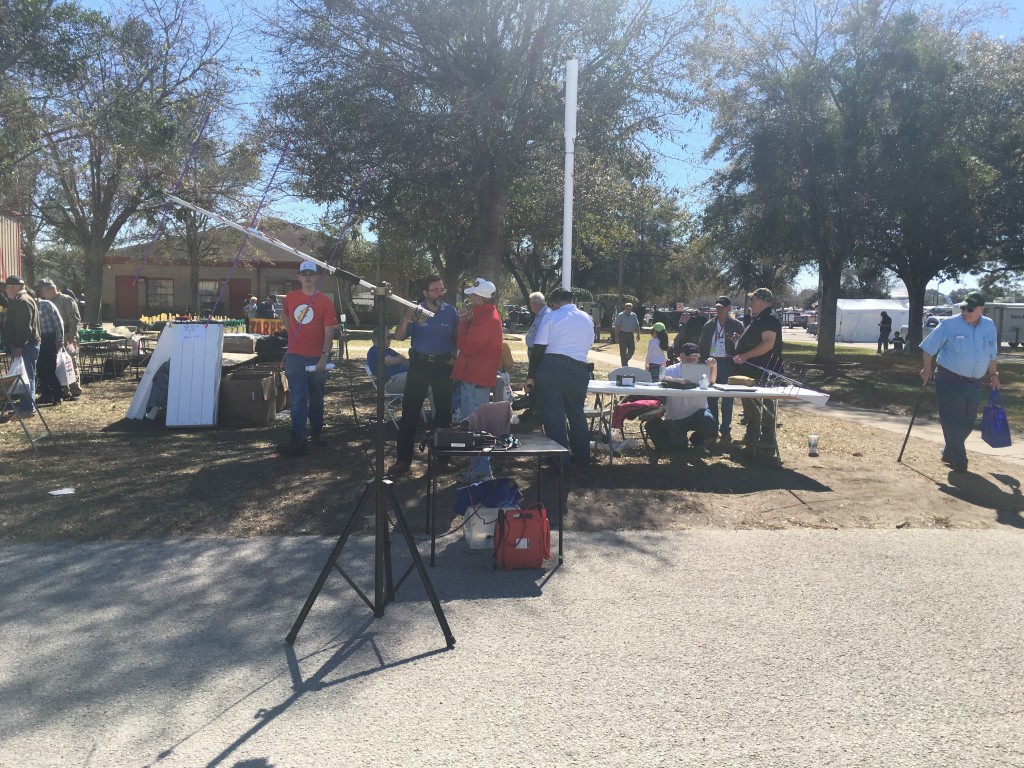
Simple test before the real Demo.
The Demo 😉
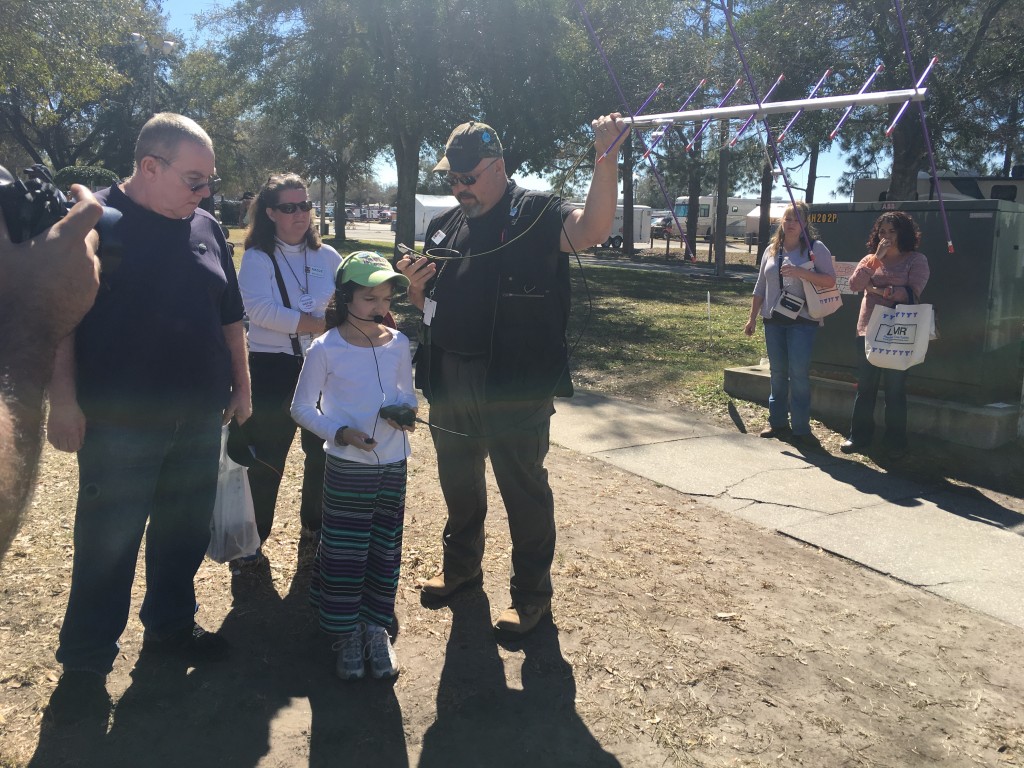
After this I went to other booths but not before getting information that a 9 Year old Gild would be doing a Demo and working the satellites herself.
Random interesting items:
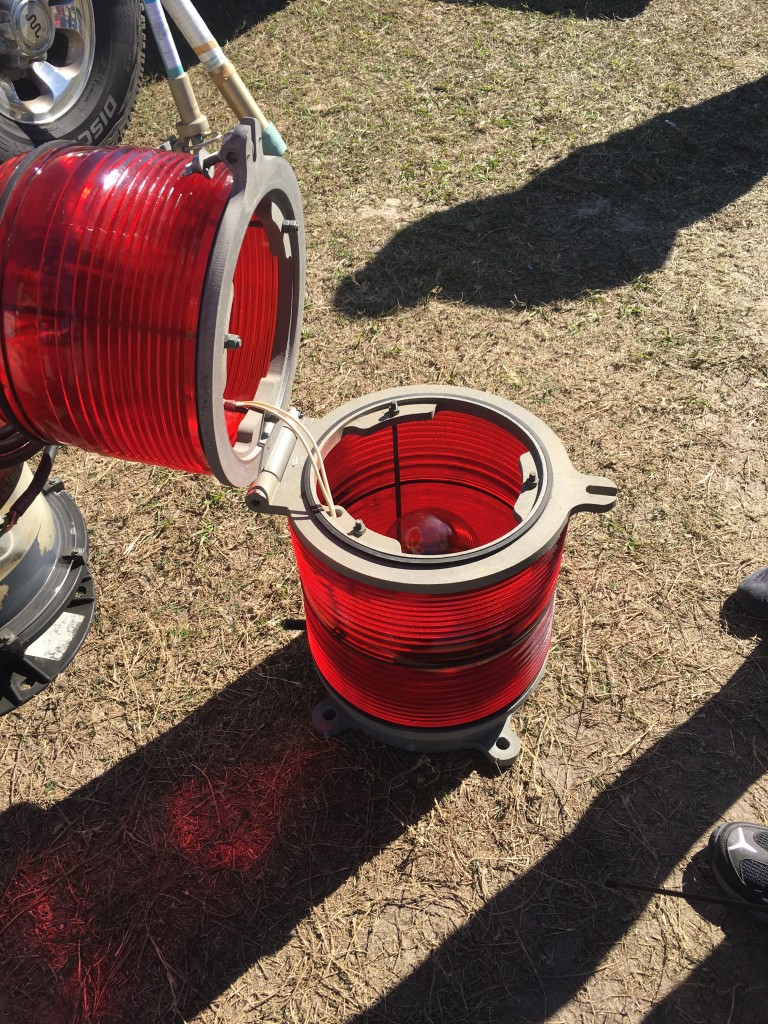
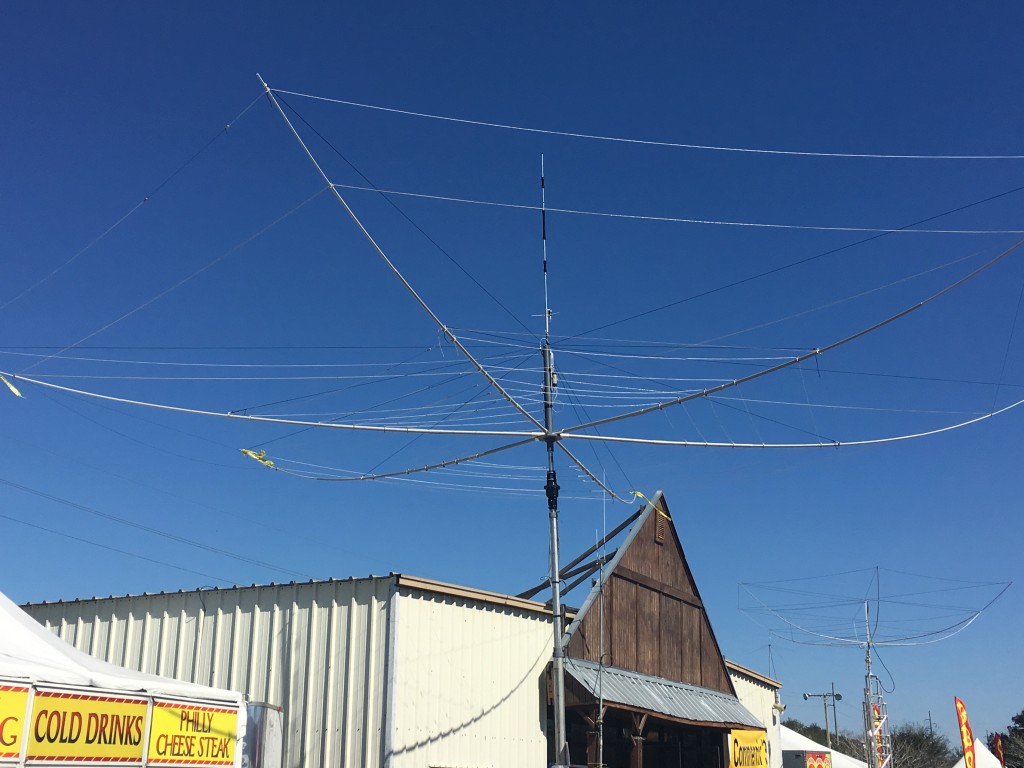
Tower Light
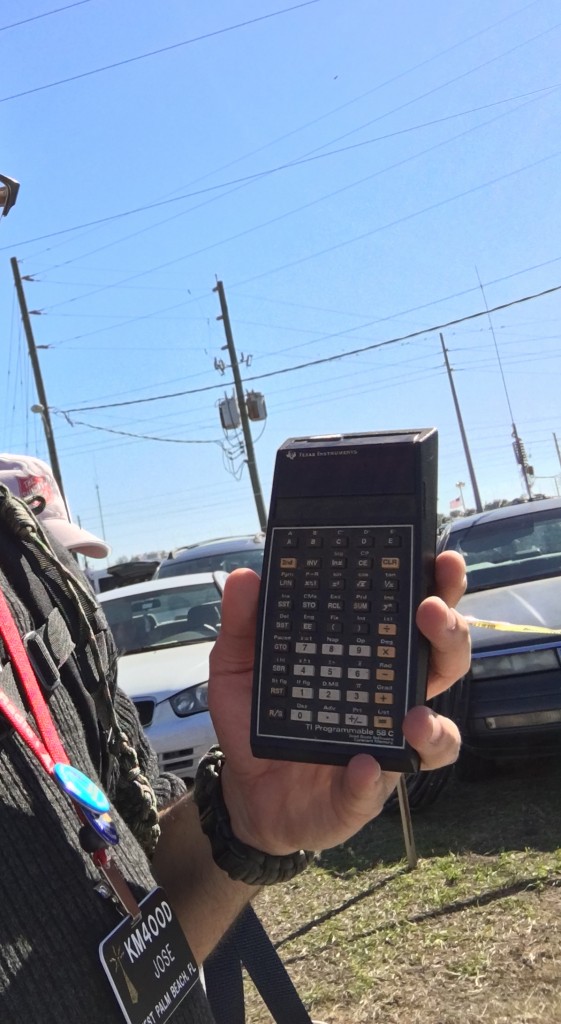
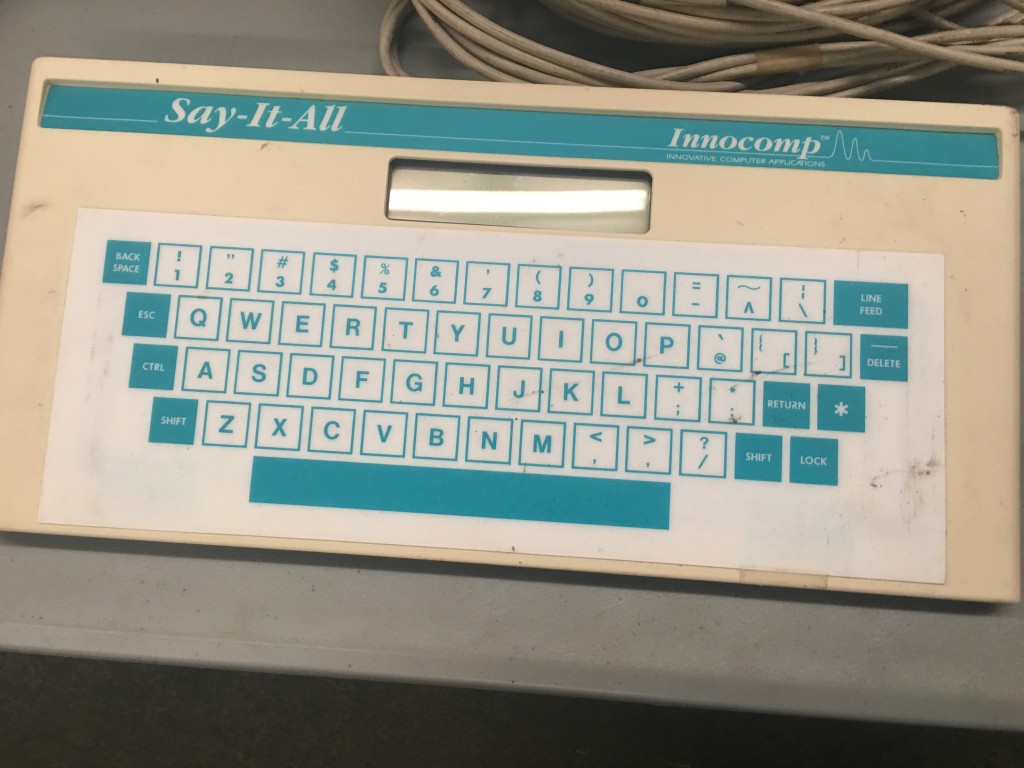
Only a Geek would be fascinated by this old Texas Instruments Calculator. It had the Library on a chip, it was that old.
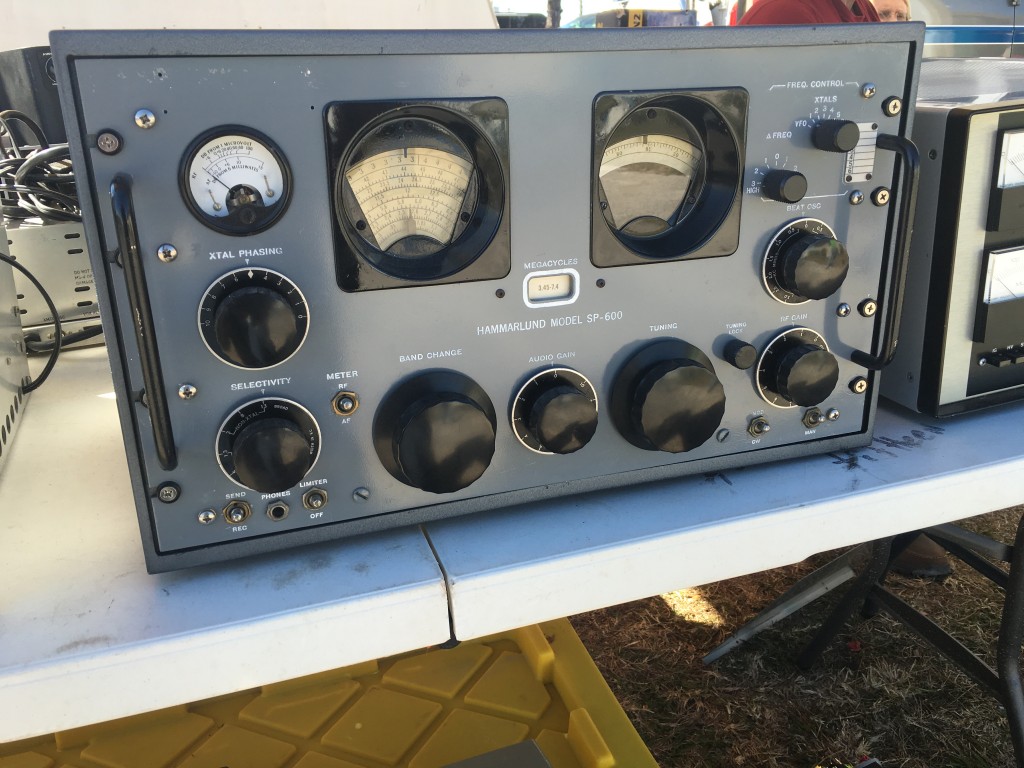
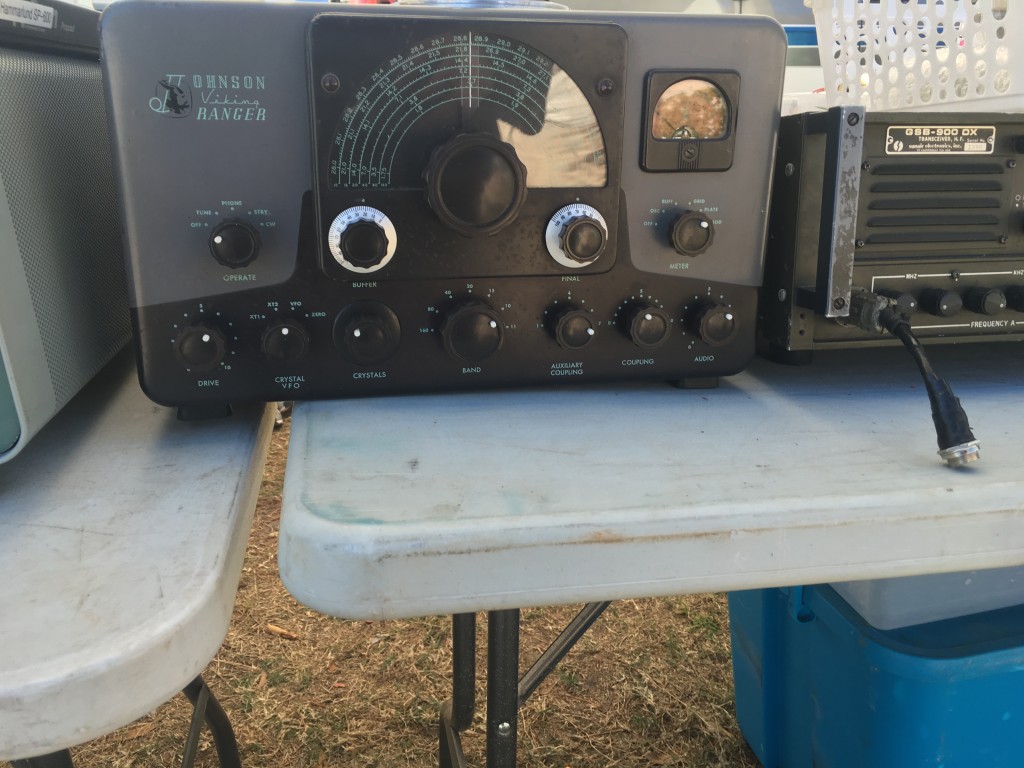
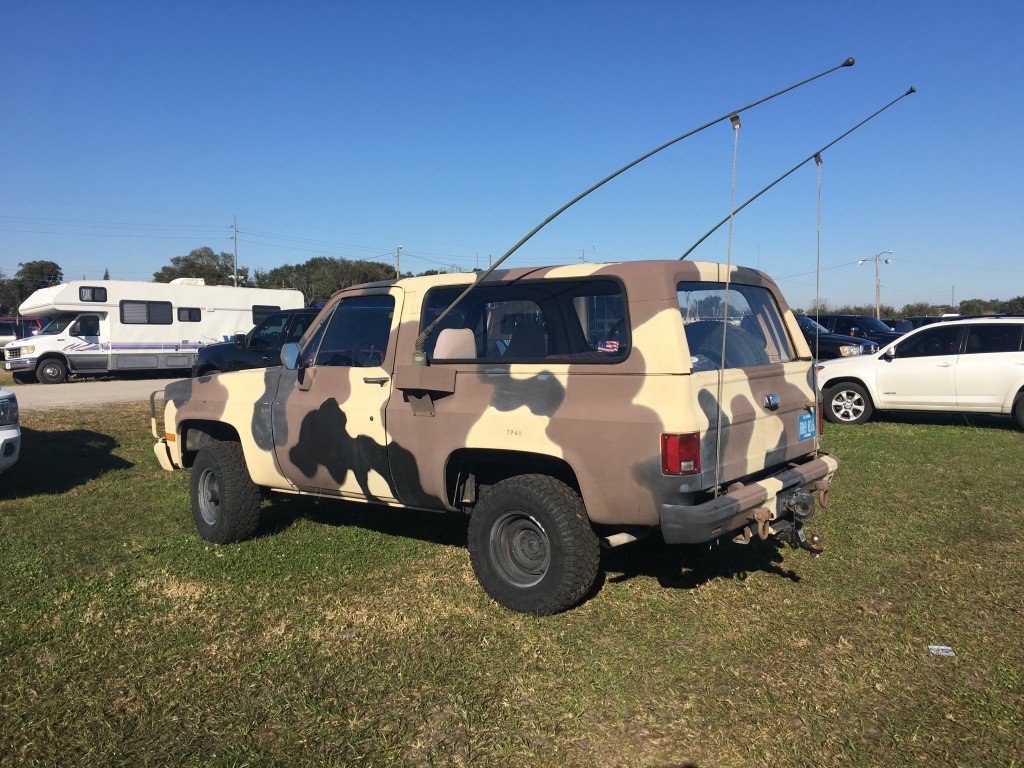
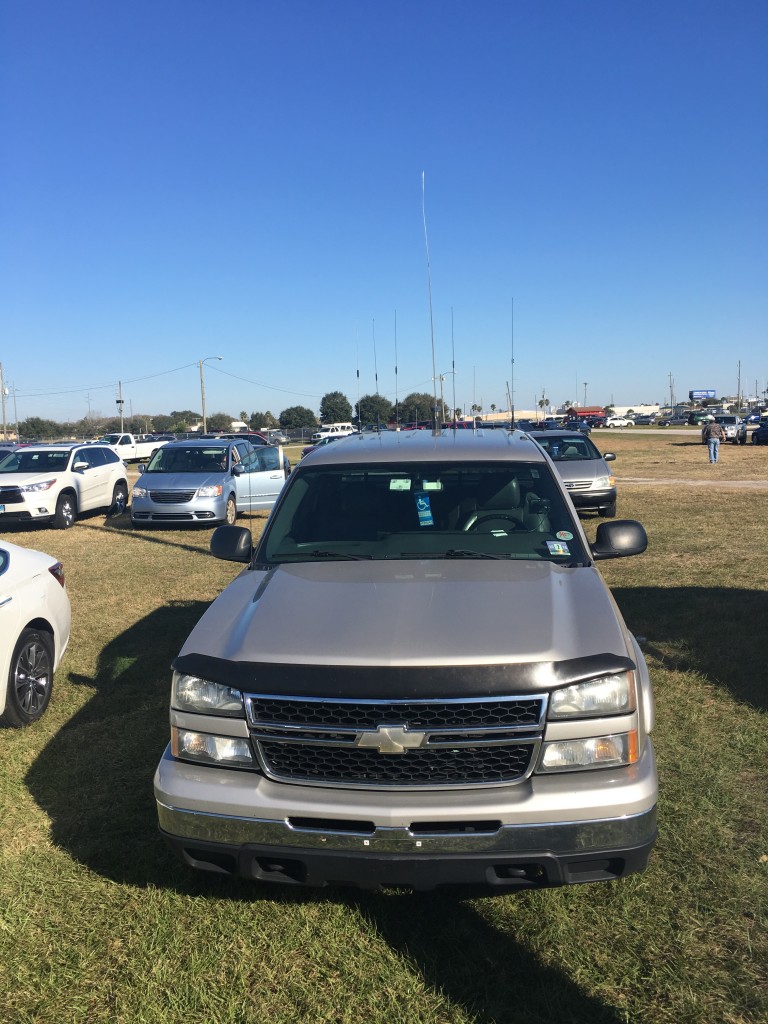
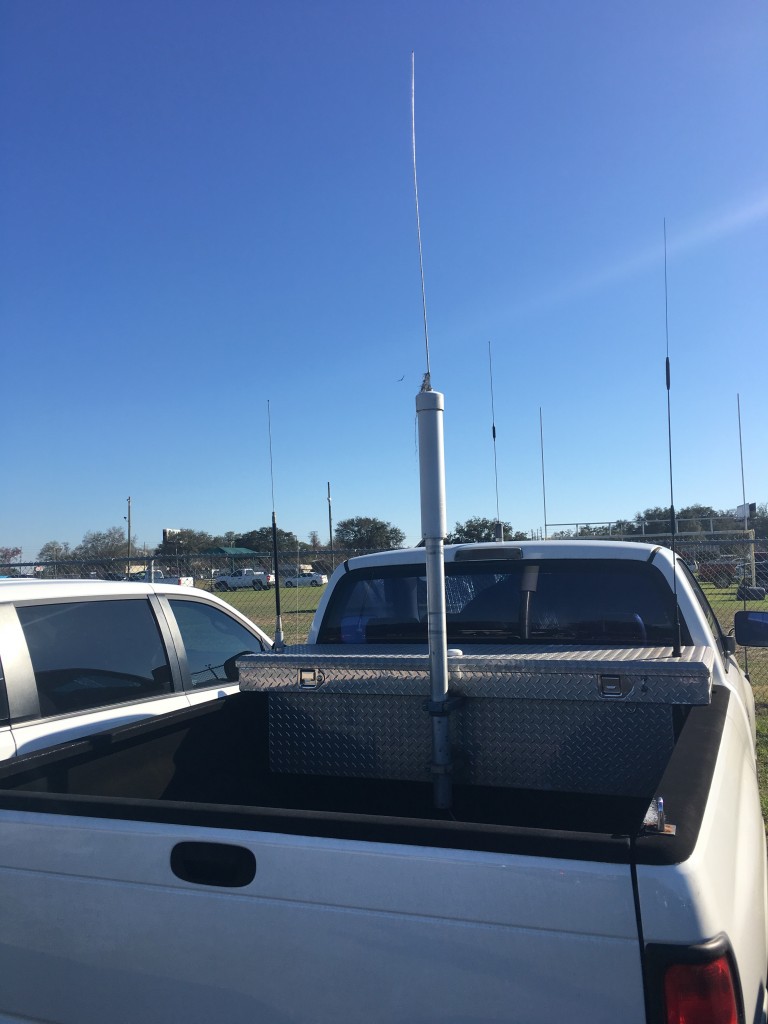
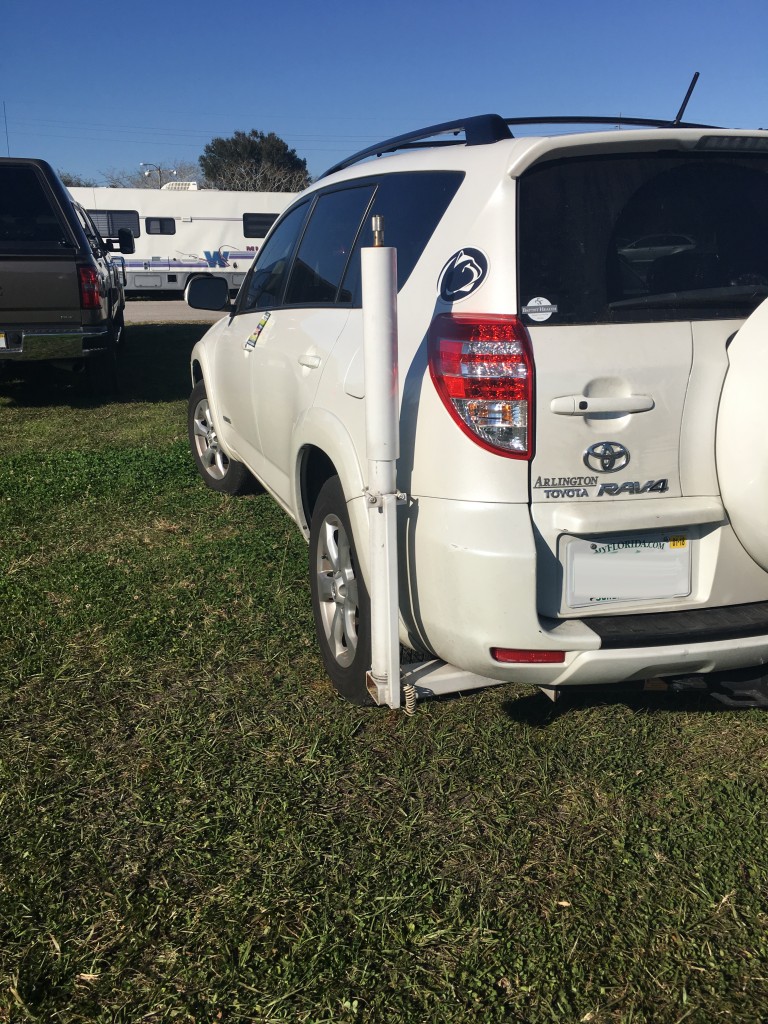
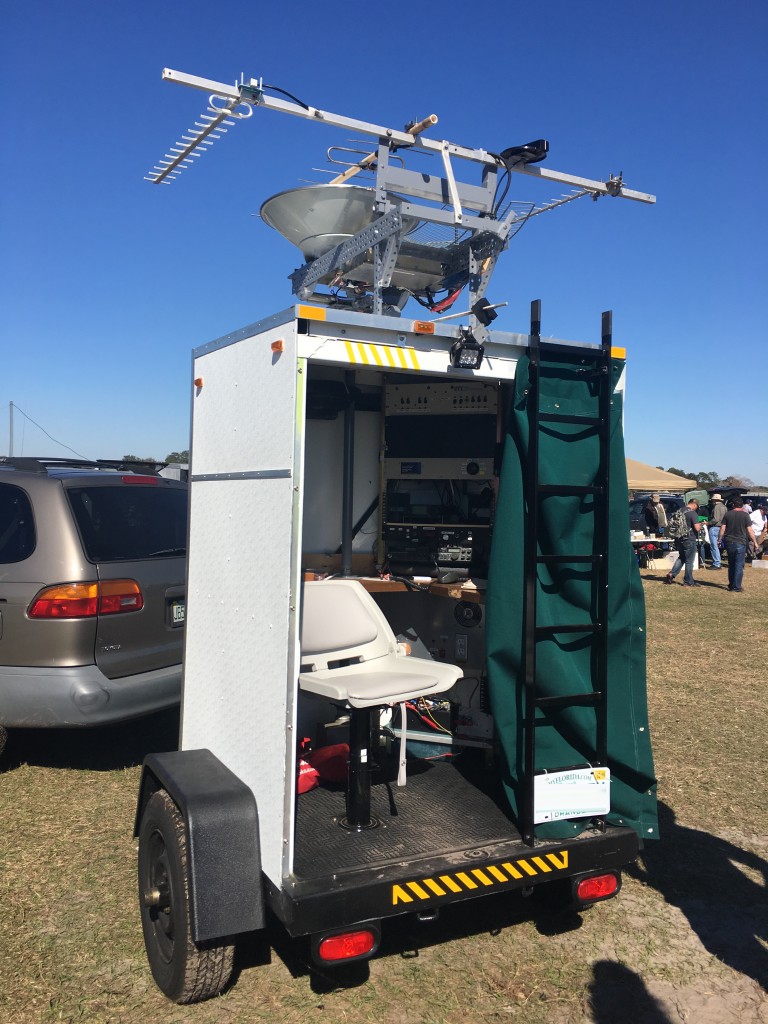
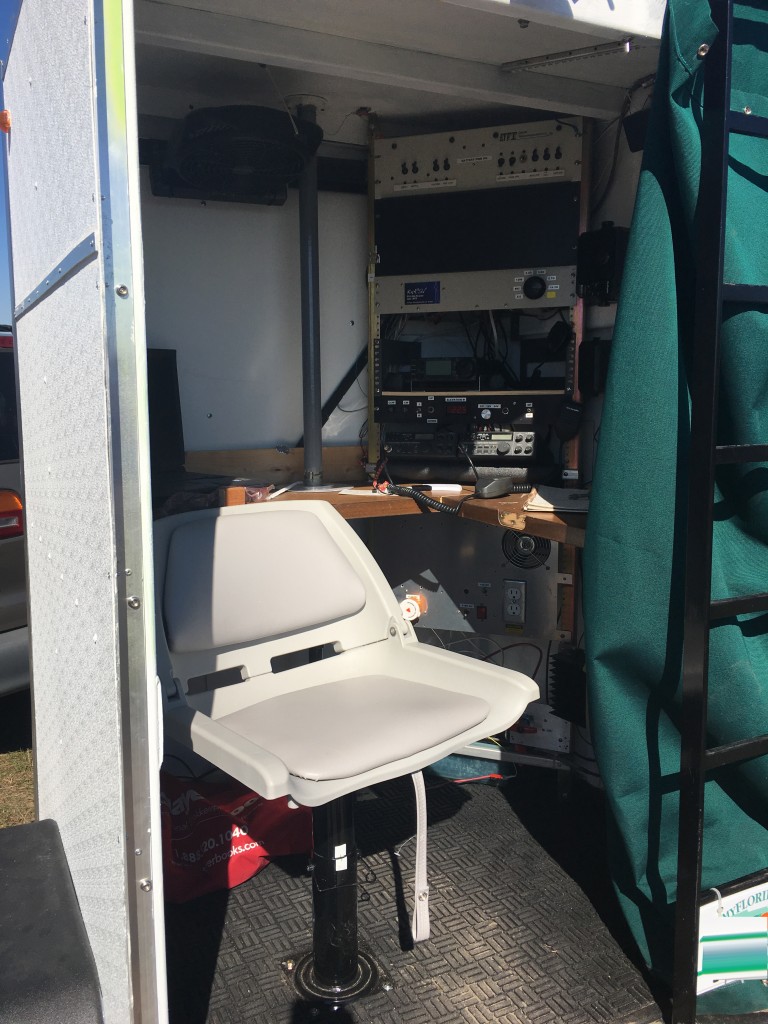
Interesting Vehicle/Rigs.
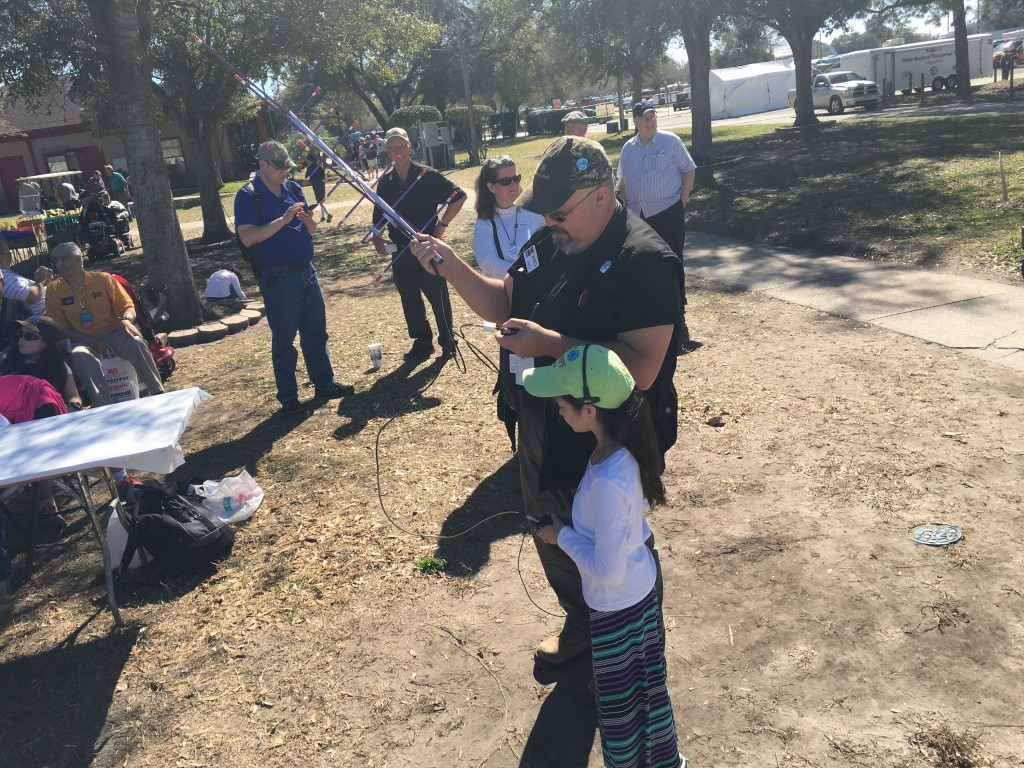
And of course the highlight of the day the 9 Year old which I believe her name is Hope, working the satellites with what I believe to be her father.
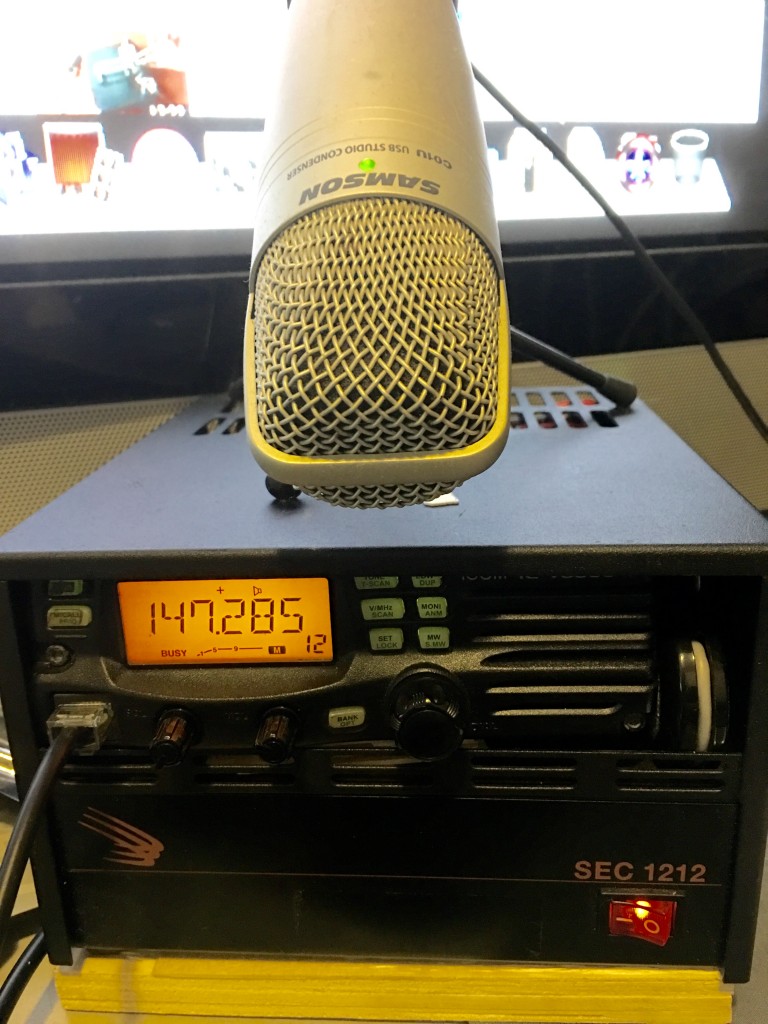
Items I picked up there where a few small electronics a Baofeng Radio and a used Base with an SEC 1212.
After all day Geeking out it was time to go. I would like to thank everyone, Specially Chris and Larry for giving me the opportunity to enjoy this.
PS. Next year I will bring a dedicated camera to take more pictures and Interview people.
73’s ;P
hamadmin
Creating a Web SDR with OpenWebRX and a 7-20$ SDR Dongle.
For this you must have a Linux box or simply have a raspberry pi 2 running debian or other linux distros of choice. In this example we are going to focus on getting the device on your home network later we can talk how you will share this or post it onto your domain.
Requesting the build rtl-sdr from github
git clone git://git.osmocom.org/rtl-sdr.git
cd rtl-sdr/
mkdir build
cd build
cmake ../ -DINSTALL_UDEV_RULES=ON
make
sudo make install
sudo ldconfig
cd ../..
We need to disable the DVB-T driver, which will prevent the rtl_sdr software from accessing the stick
Note that if you want to use it for DVB-T reception later, you should undo this.
sudo bash -c 'echo -e "\n# for RTL-SDR:\nblacklist dvb_usb_rtl28xxu\n" >> /etc/modprobe.d/blacklist.conf'
sudo rmmod dvb_usb_rtl28xxu # disable that kernel module for the current session
Lets download OpenWebRX and libcsdr (subdirectories will be created under the current directory).
git clone https://github.com/simonyiszk/openwebrx.git
git clone https://github.com/simonyiszk/csdr.git
Then compile libcsdr ,this is a dependency of OpenWebRX
cd csdr
make
sudo make install
Then we edit OpenWebRX config or leave defaults (This file is well commented out so you can see what you need to add and remove)
sudo nano ../openwebrx/config_webrx.py
Running OpenWebRX software from the terminal.
cd ../openwebrx
./openwebrx.py
One you have done these steps and modified your config file we have a working server and can hear and manipulate your SDR from your favorite browser.
If you do not know your browsers IP addy run this command on a new terminal window
sudo /sbin/ifconfig | grep 'inet addr:
After you have your local IP address navigate to your browser and input https://192.168.1.xxx:8073 the XXX should be change to your IP address or if you have a class A then use that instead of the Class C which is what normal routers come from their factories. The : Symbol tells the browser to go to a specific port in this case the default is 8073 unless you have specified a different port on OpenWebRX config file.
The Author of the software is HA7ILM. Please send him any bug reports and suggestions.
You can also share your SDR feeds on https://sdr.hu if you have a good working box, I would not suggest in on a raspberry pi. I have a limit set to 10 users. He will also be adding a Squelch feature and has added support for the Hackrf One there will be more support in the future as this project is currently on beta.
I have used this successfully to listen to the Wellington Radio Club Repeater and receive MBEMS MK632KL transmissions with no issues at all. This is great to get you hands dirty without having to spend any money then create this server and learn some code while also creating another Web Based SDR applet.
If you have any questions feel free to get in touch with me and I will assist.
I will post more information when I have more time to spare.
KM4OOD 73’s
UPDATE!
Youtube Video
**** Update 9/27/2016 ****
Its been a while that I have tocuhed this project once again. But I have a shell script that will get you operational in a matter of minutes… so grab a cup of joe and lets get started.
Copy Pasta this code into a nano file of your choice, i did openwebrx.sh then after do a chmod +x openwebrx.sh to make the file executable from within your linux box or pi and
voila it will start working for you. just add the ./openwebrx.sh to start the script. Script credit to ha7ilm
#Install dependencies

sudo apt-get install build-essential git libfftw3-dev cmake libusb-1.0-0-dev nmap

#nmap itself is not used by OpenWebRX at all, but we need to install it because the ncat tool is packaged with it.

#ncat is a netcat alternative which is used by OpenWebRX for internally distributing I/Q data,

#  and also solves the incompatibility problems among netcat versions.
#Fetch and build rtl-sdr, skip if already done (subdirectories will be created under the current directory).
git clone git://git.osmocom.org/rtl-sdr.git
cd rtl-sdr/
mkdir build
cd build
cmake ../ -DINSTALL_UDEV_RULES=ON
make
sudo make install
sudo ldconfig
cd ../..
#Disable the DVB-T driver, which would prevent the rtl_sdr tool from accessing the stick
#(if you want to use it for DVB-T reception later, you should undo this change):
sudo bash -c 'echo -e "\n# for RTL-SDR:\nblacklist dvb_usb_rtl28xxu\n" >> /etc/modprobe.d/blacklist.conf'
sudo rmmod dvb_usb_rtl28xxu # disable that kernel module for the current session
#Download OpenWebRX and libcsdr (subdirectories will be created under the current directory).
git clone https://github.com/simonyiszk/openwebrx.git
git clone https://github.com/simonyiszk/csdr.git
#Compile libcsdr (which is a dependency of OpenWebRX)
cd csdr
make
sudo make install
#Edit OpenWebRX config or leave defaults
nano ../openwebrx/config_webrx.py